Listing your property for sale or rent might sound complicated and time-consuming, but in this time, everything has changed. With Nestopa.com’s powerful AI-powered platform, posting your house, condo, land, or any real estate listing is now faster and easier than ever.
If you're looking for a user-friendly and efficient website to sell or rent your house, condo, or land, this article will introduce you to Nestopa.com, a cutting-edge platform for buying, selling, and renting real estate. We’ll also walk you through the step-by-step process of posting your property listing.
|
How to Post a Property for Sale or Rent on Nestopa.com |
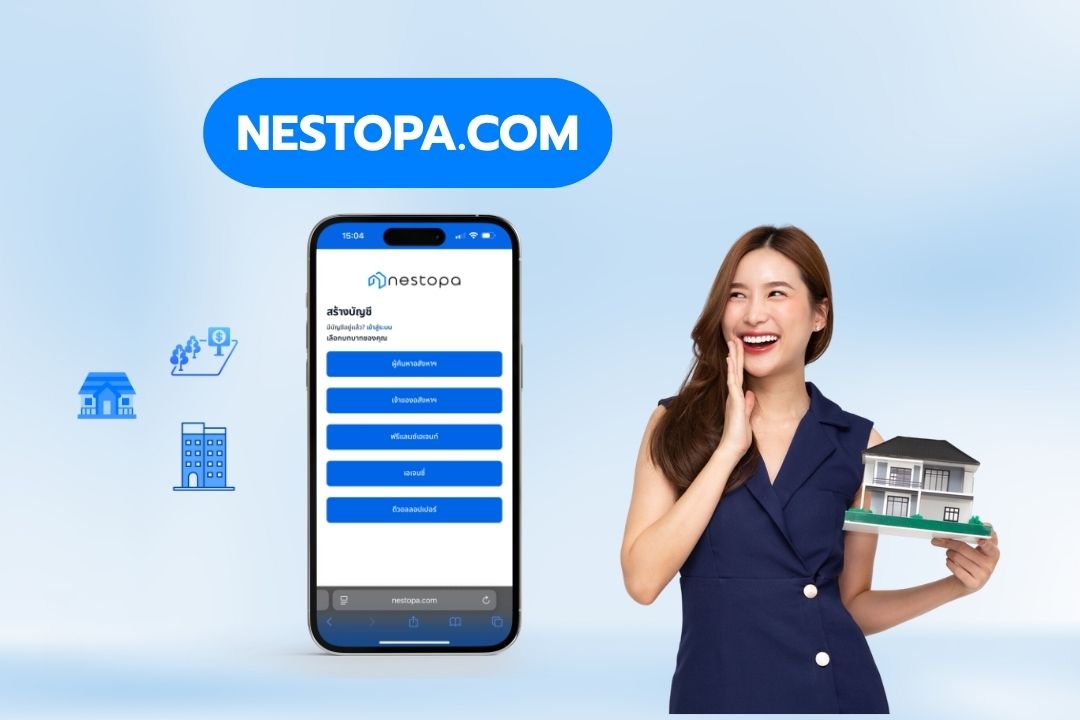
What is Nestopa.com?
Nestopa.com is a real estate platform designed for maximum convenience, enabling users to buy, sell, and rent properties with ease. Powered by advanced AI technology, it allows both property owners, real estate agents, and developers to create professional listings on their own. With user-centric features tailored to meet real market needs, Nestopa.com helps save time and increases your chances of reaching the right target audience.
Key Benefits of Using Nestopa.com
-
Free to use - can post up to 50 listings with no time limit
-
Supports both Thai and English languages
-
AI-powered features that help enhance your listings with detailed and engaging content
-
Supports virtual media uploads, including 360-degree images
If you don’t have an account yet, simply follow this video tutorial to get started.
How to Post a Property for Sale or Rent on Nestopa.com
1. Register and Access Your Dashboard
To get started, create an account on Nestopa.com. Once your account is set up, you’ll gain access to your personalized dashboard, which is designed for easy navigation and smooth user experience.
-
Fill in your name, email address, and password
-
Click the top-right corner of the website to access your Seller Dashboard

2. Choose the Property Type
On your dashboard, click Properties and +Add to create a new listing. Then, select the type of property you want to list, such as a house, condo, land, or commercial Property
Once selected, click Create to proceed.

3. Fill in Property Details
Enter all the essential information about your property
-
Property Description: Provide the correct key details
-
Size: Specify the Interior Size (square meters)
-
Price: Indicate the selling or rental price (Thai Baths)
-
Highlights: Describe the unique features or advantages of the property
-
Location: Pinpoint the property’s location accurately
Once completed, click Save and Continue to move on to the next step.

4. Upload Property Media Files
High-quality photos and videos can significantly increase interest from potential buyers or renters. Nestopa.com allows you to upload various media types, including images, floor plans, and videos.
-
Upload 360-Degree Photos: Give viewers an immersive, virtual feel of the property
-
Add Videos from TikTok and YouTube: Make your listing more engaging and attract more attention
Once you've added your media, click Save and Continue to proceed.

5. Select Property Features
Nestopa.com features an AI Image Description Generator that automatically detects key details from your uploaded images, such as furniture, amenities, and more.
You can review, edit, or add additional information as needed.
-
Security Features
-
Additional Property Features
-
Furniture
-
View and Orientation
-
Facilities & Amenities
Once you're done, click “Save and Continue” to proceed.

6. Use the AI Writing Assistant
Not confident in writing? No problem. With Nestopa’s AI Generator, you can create professional, engaging property descriptions tailored to your target audience, even if you’re not a writer.
Choose from 8 different writing styles to match your property type and audience. For example, select Family-Friendly for homes suitable for families or Investment-Focused for listings aimed at investors.
Just follow these 2 simple steps
Step 1: Choose a writing style (8 options available)
-
Professional
-
Conversational
-
Local Expert
-
Luxury/Exclusive
-
Minimalist/Simple
-
Storytelling
-
Family-Friendly
-
Investment-Focused
Step 2: Add key highlights you want the AI to write
examples: 'River-view condo in the city center', 'Close to BTS' 'Full facilities', or 'Spacious outdoor area'
Then click Generate and let the AI create your listing description in seconds.

After that, review your generated description. You can edit or adjust the caption as you like.
Once you're satisfied, click Publish, and you’re done!

Publishing and Managing Your Listings
Choose a listing package that suits your needs. Nestopa.com offers both free and premium options, allowing you to select a plan based on your budget and marketing goals.
New Visibility Model on Nestopa
To help you understand how property listings are prioritized on our platform, here’s a quick look at Nestopa’s new visibility model. The 80/20 structure ensures that paying clients get higher exposure while still allowing free users fair access.

This breakdown shows how listings are displayed across different tiers: Featured Agencies, Developer Promotions, Featured Listings, Premium Listings, and Free Listings. We hope that this will help you decide which package best suits their marketing goals.
Don’t wait! Start posting your property today and experience a smarter, faster way to sell or rent with Nestopa.
| Create your free listing account now at Nestopa.com


